ICT 드림업 - 무물 매니저/개발
이미지 crop, 임베딩, FAISS 인덱스 구축 파이프라인 구현(1/2)
kangchaewon
2025. 5. 3. 15:37
프로젝트 개요
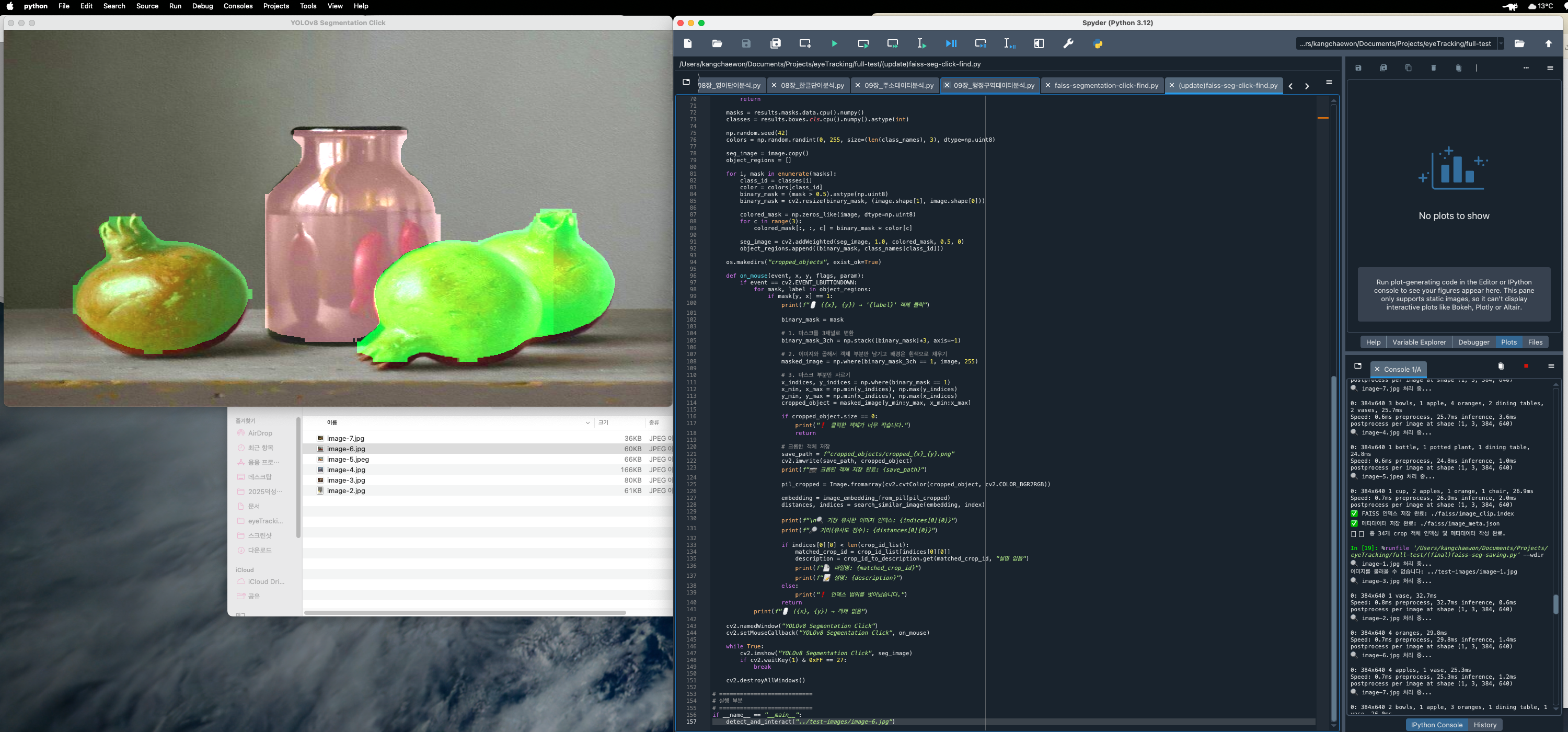
이미지 속 객체를 자동으로 잘라내고, 그 조각들에 대해 의미 있는 벡터를 만들고, 나중에 유사한 이미지를 빠르게 검색할 수 있는 시스템을 만들고자 했습니다.
이를 위해 다음 세 가지 도구를 활용했습니다:
- YOLOv8: 이미지 객체 탐지 및 segmentation
- OpenAI CLIP: 이미지 임베딩 생성
- FAISS: 고속 유사도 벡터 검색
전체 파이프라인 구성
- YOLOv8n-seg.pt 모델을 이용해 이미지에서 객체를 segment & crop
- 잘라낸 crop 이미지들을 CLIP 모델로 임베딩 벡터로 변환
- 임베딩을 FAISS 인덱스에 저장
- crop된 이미지의 메타데이터(JSON)도 함께 저장하여 검색 결과에 활용
주요 코드 설명
1. 모델 불러오기
clip_model = CLIPModel.from_pretrained("openai/clip-vit-base-patch32").to(device)
yolo_model = YOLO("yolov8n-seg.pt")
2. 객체 탐지 및 crop
def segment_and_crop(image_path):
    ...
    results = yolo_model(image, conf=0.3)[0]
    ...
    cropped_object = masked_image[y_min:y_max, x_min:x_max]
3. CLIP 임베딩 생성
def image_embedding(pil_img):
    inputs = processor(images=pil_img, return_tensors="pt").to(device)
    emb = clip_model.get_image_features(**inputs)
    return emb.cpu().numpy().astype("float32")
4. FAISS 인덱스 생성
index = faiss.IndexFlatIP(d)
index.add(matrix)
faiss.write_index(index, index_save_path)
생성되는 파일 구조
data/
├── raw_images/            ← 입력 이미지
├── cropped_images/        ← 객체별 crop 결과
├── faiss/
│   ├── image_clip.index   ← 벡터 인덱스
│   └── image_meta.json    ← crop 메타데이터
전체 코드
from pathlib import Path
from PIL import Image
import numpy as np
import torch
import faiss
import json
import cv2
from transformers import CLIPProcessor, CLIPModel
from ultralytics import YOLO
import os

# ===========================
# 모델 로드
# ===========================
model_name = "openai/clip-vit-base-patch32"
device = torch.device('cpu')
clip_model = CLIPModel.from_pretrained(model_name).to(device)
processor = CLIPProcessor.from_pretrained(model_name)

yolo_model = YOLO("yolov8n-seg.pt")  # YOLOv8 segmentation 모델

# ===========================
# 경로 설정
# ===========================
image_dir = Path("../data/raw_images")
index_save_path = "../data/faiss/image_clip.index"
meta_save_path = "../data/faiss/image_meta.json"
crop_save_dir = Path("../data/cropped_images/")
os.makedirs("../data/faiss", exist_ok=True)
crop_save_dir.mkdir(parents=True, exist_ok=True)

# ===========================
# 함수 정의
# ===========================
def segment_and_crop(image_path: Path):
    image = cv2.imread(str(image_path))
    if image is None:
        print(f"이미지를 불러올 수 없습니다: {image_path}")
        return []

    image = cv2.resize(image, (1280, 720))
    results = yolo_model(image, conf=0.3)[0]

    if results.masks is None:
        return []

    masks = results.masks.data.cpu().numpy()
    cropped_images = []

    for i, mask in enumerate(masks):
        binary_mask = (mask > 0.5).astype(np.uint8)
        binary_mask = cv2.resize(binary_mask, (image.shape[1], image.shape[0]))
        binary_mask_3ch = np.stack([binary_mask]*3, axis=-1)

        masked_image = np.where(binary_mask_3ch == 1, image, 255)
        x_indices, y_indices = np.where(binary_mask == 1)

        if x_indices.size == 0 or y_indices.size == 0:
            continue

        x_min, x_max = np.min(y_indices), np.max(y_indices)
        y_min, y_max = np.min(x_indices), np.max(x_indices)
        cropped_object = masked_image[y_min:y_max, x_min:x_max]

        if cropped_object.size == 0:
            continue

        crop_filename = f"{image_path.stem}_crop{i}.jpg"
        crop_save_path = crop_save_dir / crop_filename
        cv2.imwrite(str(crop_save_path), cropped_object)

        cropped_images.append({
            "crop_array": cropped_object,
            "crop_id": crop_filename
        })

    return cropped_images

def image_embedding(pil_img: Image.Image) -> np.ndarray:
    inputs = processor(images=pil_img, return_tensors="pt").to(device)
    with torch.no_grad():
        emb = clip_model.get_image_features(**inputs)
    emb = emb / emb.norm(dim=-1, keepdim=True)
    return emb.cpu().numpy().astype("float32")

# ===========================
# 메인 실행
# ===========================
vectors = []
meta_data = []

image_files = list(image_dir.glob("*.jpg")) + list(image_dir.glob("*.jpeg")) + list(image_dir.glob("*.png"))

for img_file in image_files:
    print(f"🔍 {img_file.name} 처리 중...")
    image_meta = {
        "full_image_id": img_file.name,
        "full_image_description": f"Placeholder description for {img_file.name}",
        "crops": []
    }

    crops = segment_and_crop(img_file)

    for crop_info in crops:
        try:
            pil_cropped = Image.fromarray(cv2.cvtColor(crop_info["crop_array"], cv2.COLOR_BGR2RGB))
            emb = image_embedding(pil_cropped)
            vectors.append(emb)

            crop_id = crop_info["crop_id"]
            image_meta["crops"].append({
                "crop_id": crop_id,
                "crop_description": f"Placeholder crop description for {crop_id}"
            })

        except Exception as e:
            print(f"❌ 오류: {img_file.name} - {crop_info['crop_id']} 처리 중 문제 발생 - {e}")

    meta_data.append(image_meta)

# ===========================
# FAISS 인덱스 생성 및 저장
# ===========================
if len(vectors) > 0:
    matrix = np.vstack(vectors)
    d = matrix.shape[1]
    index = faiss.IndexFlatIP(d)
    index.add(matrix)
    faiss.write_index(index, index_save_path)
    print(f"✅ FAISS 인덱스 저장 완료: {index_save_path}")

    with open(meta_save_path, "w", encoding="utf-8") as f:
        json.dump(meta_data, f, indent=2, ensure_ascii=False)
    print(f"✅ 메타데이터 저장 완료: {meta_save_path}")
    print(f"📦 총 {len(vectors)}개 crop 객체 인덱싱 및 메타데이터 작성 완료.")
else:
    print("❗ 임베딩된 데이터가 없습니다.")